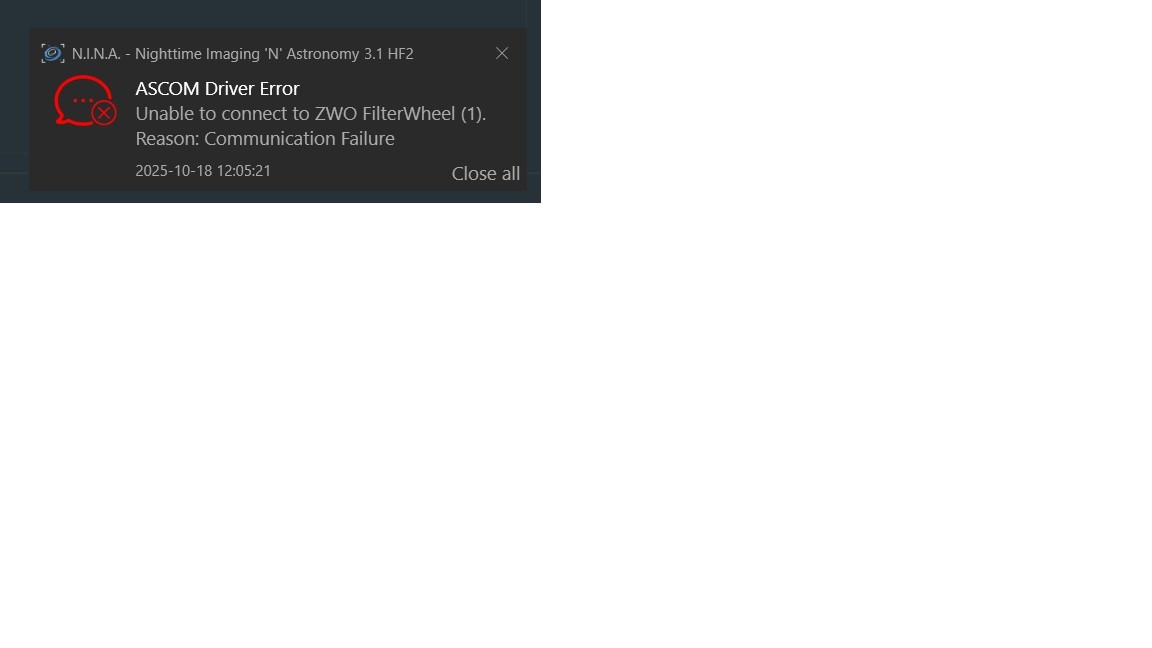
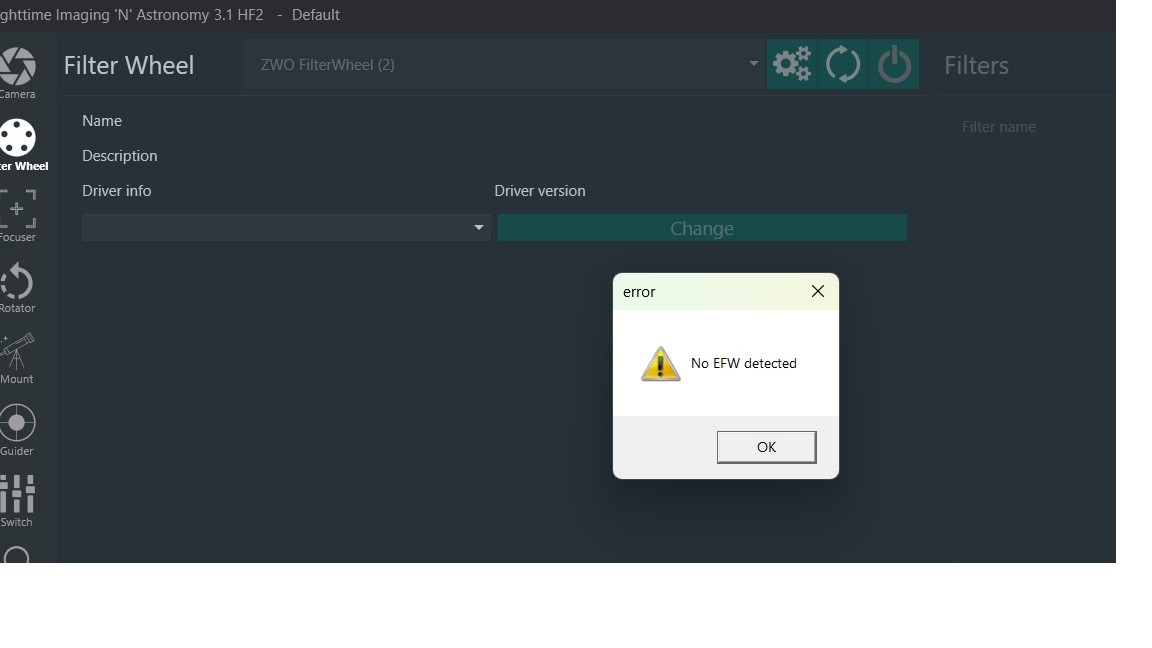
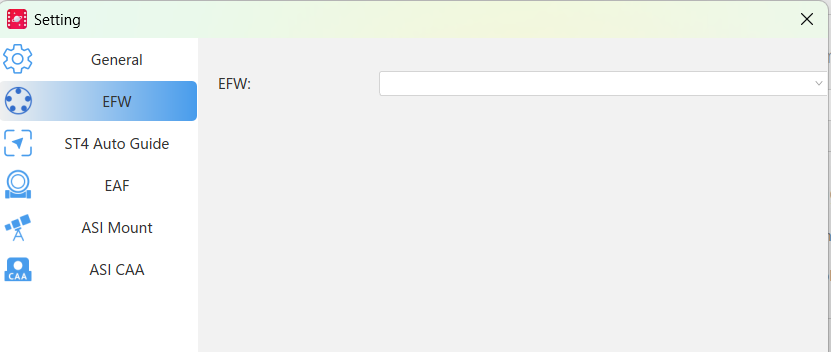
It turned out to be WIn 11 blocking me. Placing this here for other users as the solution was not intuitive and may help someone else.
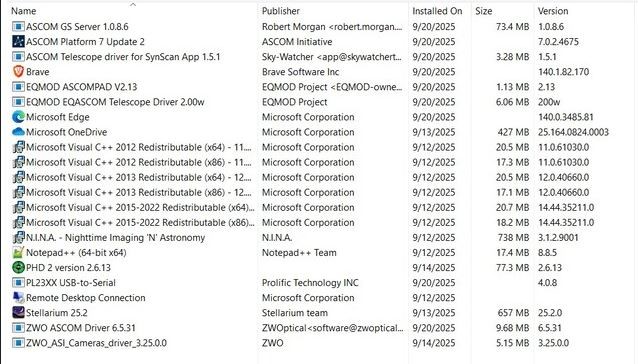
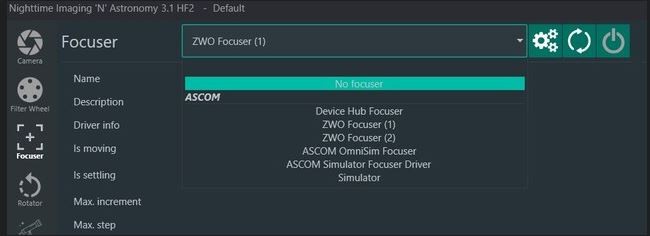
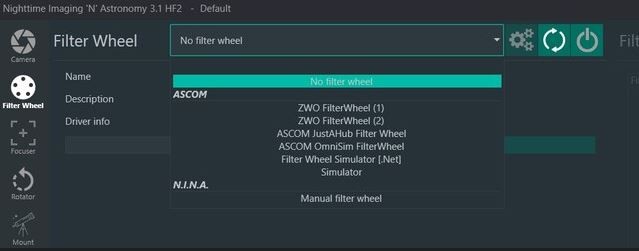
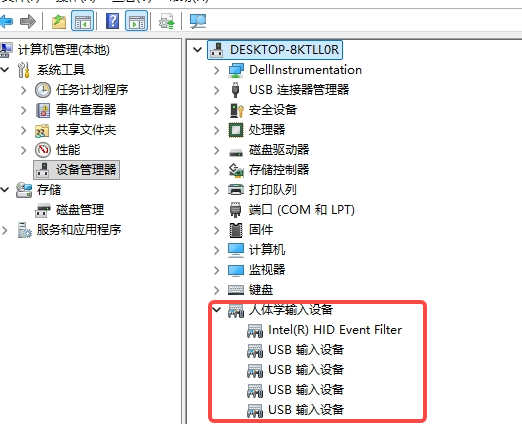
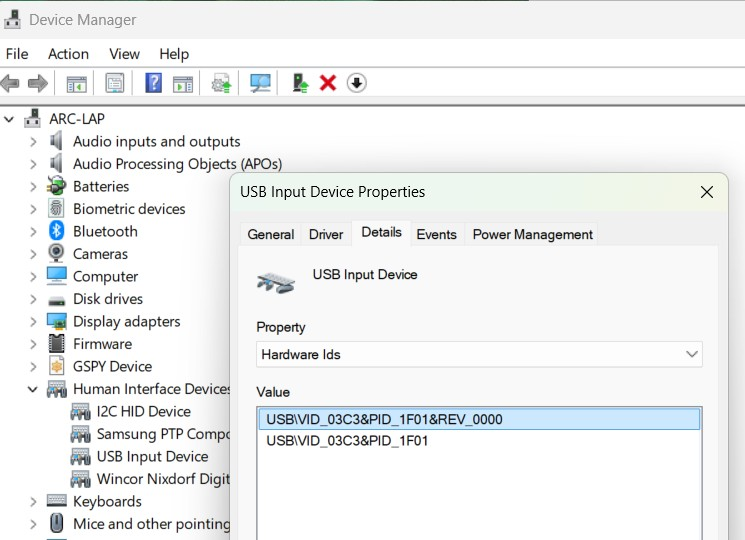
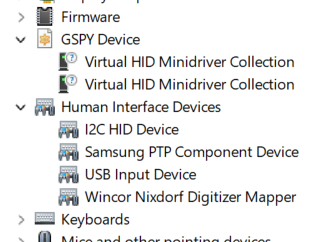
Everything works perfectly when plugging into a Win10 PC or laptop. Only my Win 11 laptop had thios issue. Multiple reloads of drivers and software did nothing. The EFW keeps showing up in Device Driver as a GSPY > Virtual HID Minidriver Collection device and ASCOM, ASI Studio and NINA were blank.
Was sure it was a USB issue. I worked through a series of steps:
1) I went to Windows Security > Device Security > Core Isolation and turned off Memory Integrity. My laptop is onl;y used for Astronomy and I accepted the risk. YMMV and you need to be aware this weakens system security.
2) Force-Update using the Standard HID Driver
Even though Windows is using a generic driver, forcing an update to the standard, non-virtual HID driver can sometimes clear the conflict.
In Device Manager, right-click the "GSPY Device" and select Update driver.
Select Browse my computer for drivers.
Select Let me pick from a list of available drivers on my computer.
Uncheck Show compatible hardware.
Under Manufacturer, select (Standard system devices).
Under Model, select USB Input Device or HID-compliant device (choose the most generic one available).
Click Next. Windows will warn you about installing an incompatible driver—accept the warning and continue.
The goal here is to replace the potentially problematic "Virtual HID Minidriver" (which may be a ghost from the GSPY conflict) with the standard, clean Microsoft HID driver, giving the ZWO ASCOM DLL a fresh, clean interface to connect to.
3) Reboot, then check with ASIStudio (ASICap) and check if the EFW appears. If it does run NINA As Administrator and your EFW should appear.
4) Reenable Windows Security > Device Security > Core Isolation > Memory Integrity. This will force a reboot and you are good to go.