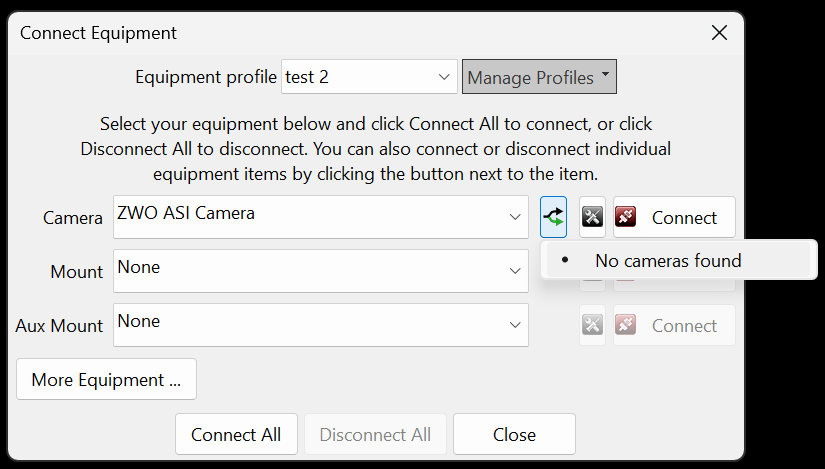
I've also tried the native driver, but it doesn't find either the ASI220MM or the ASI585MC. I get no camera found when clicking the fork icon next to the selected driver in PHD2.
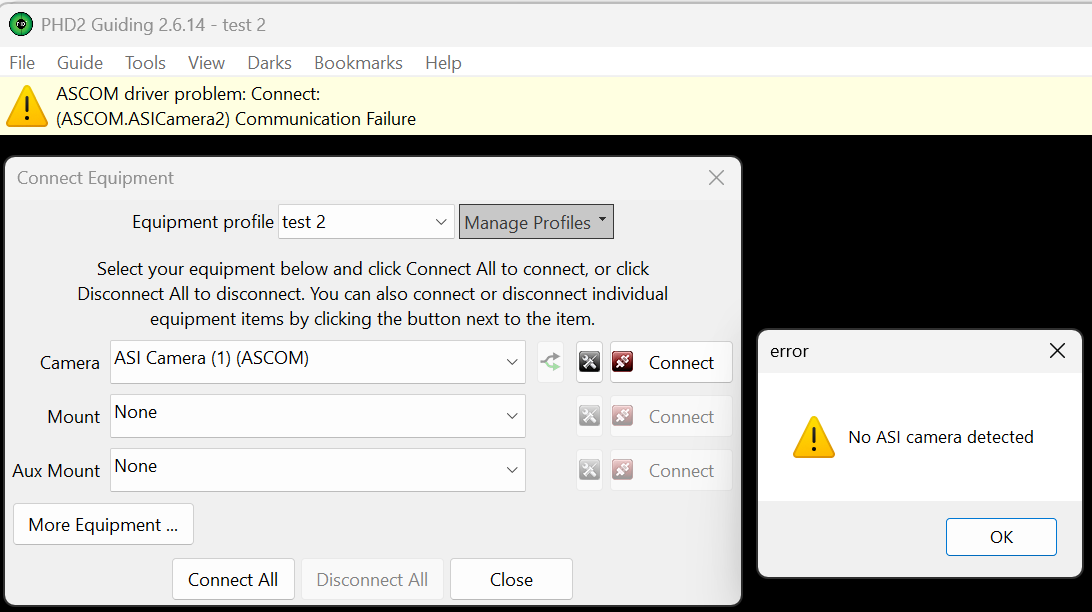
The ASI Camera (1) and (2) (ASCOM) drivers don't detect the cameras either. I get an error when trying to connect at the top of the PHD2 screen and a popup box if I click on the camera setup icon 'No ASI camera detected'
So its only the alpaca ascom drivers that are working, but the gain is greyed out. The pixel size and binning controls aren't greyed out only the gain.
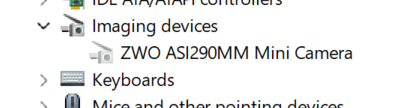
Another thing I noticed is the ASI585MC Air doesn't show in Windows device manager under imaging devices. I connected another ASI camera ASI290MM mini to the PC and that shows in the device manager.
So I'm at a loss as to how to control the gain of the ASI220MM sensor. I like to increase the gain if there aren't enough stars as I'll be using a narrowband filter. I also like to reduce it for broadband imaging if the stars are too bright/saturated.
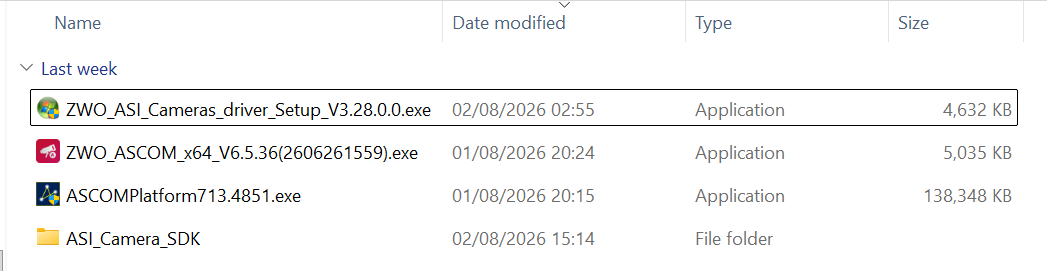
I've installed, uninstalled and re-installed all of the below ascom platform and software drivers and manually added the x86 asi camera SDK ASICamera2.dll to the correct place in the PHD2 folders so it replaces the one in PHD2 that was out of date.