Here’s the latest change log and download link for v3.0. If you have any feedback or suggestions, feel free to share them under this post! Thanks.
New Features
- Telescope Network is now live
No matter where you are, as long as your device is online, you can remotely connect to and control your ASIAIR, monitor device status, and track imaging progress in real time—making remote astrophotography easier and more flexible than ever.
1. More Efficient Device Management:Device connection, switching, and disconnection have been consolidated on the Home screen, allowing you to manage your devices quickly without navigating between multiple pages.
2. Imaging Status at a Glance:A new Imaging Status Card lets you monitor imaging progress, guiding status, and other key information in real time, so you can stay informed without entering the imaging page.
3. Easier Network Configuration:Network settings are now accessible directly from the Home screen, making network management and configuration more intuitive and efficient.
4. Hidden Network Support in Station Mode:Station Mode now supports connecting to hidden Wi-Fi networks, providing greater flexibility in complex network environments.
Improvements & Optimizations
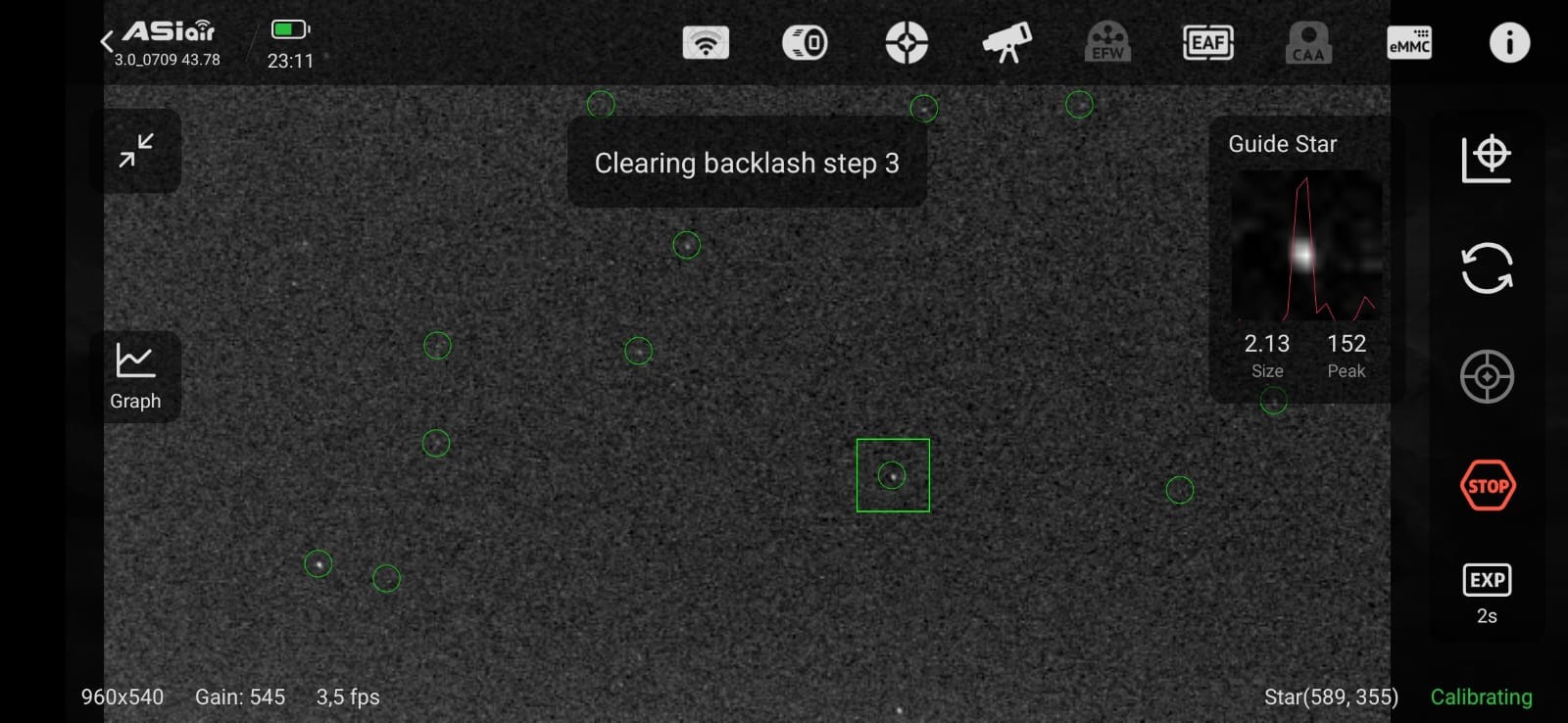
1. Optimized the star detection algorithm to improve consistency across platforms, delivering a more unified user experience.
2. Added current-position verification when switching CAA to Rotation Mode, helping prevent cable wrap issues.
Here is the download link for the ASIAIR v3.0 beta version.
iOS > TestFlight https://testflight.apple.com/join/6uEyoSl3
Android > https://pgyer.com/air_beta_android
This is the user guide.
https://drive.google.com/file/d/1rWStSrOlw8IWwdROIiFXtNqj8f4ADvQw/view?usp=sharing
——————
Updated Date: July 14, 2026
We have released updated beta builds for Android and iOS. Everyone can re-download them through the download link. This update mainly includes the following bug fixes:
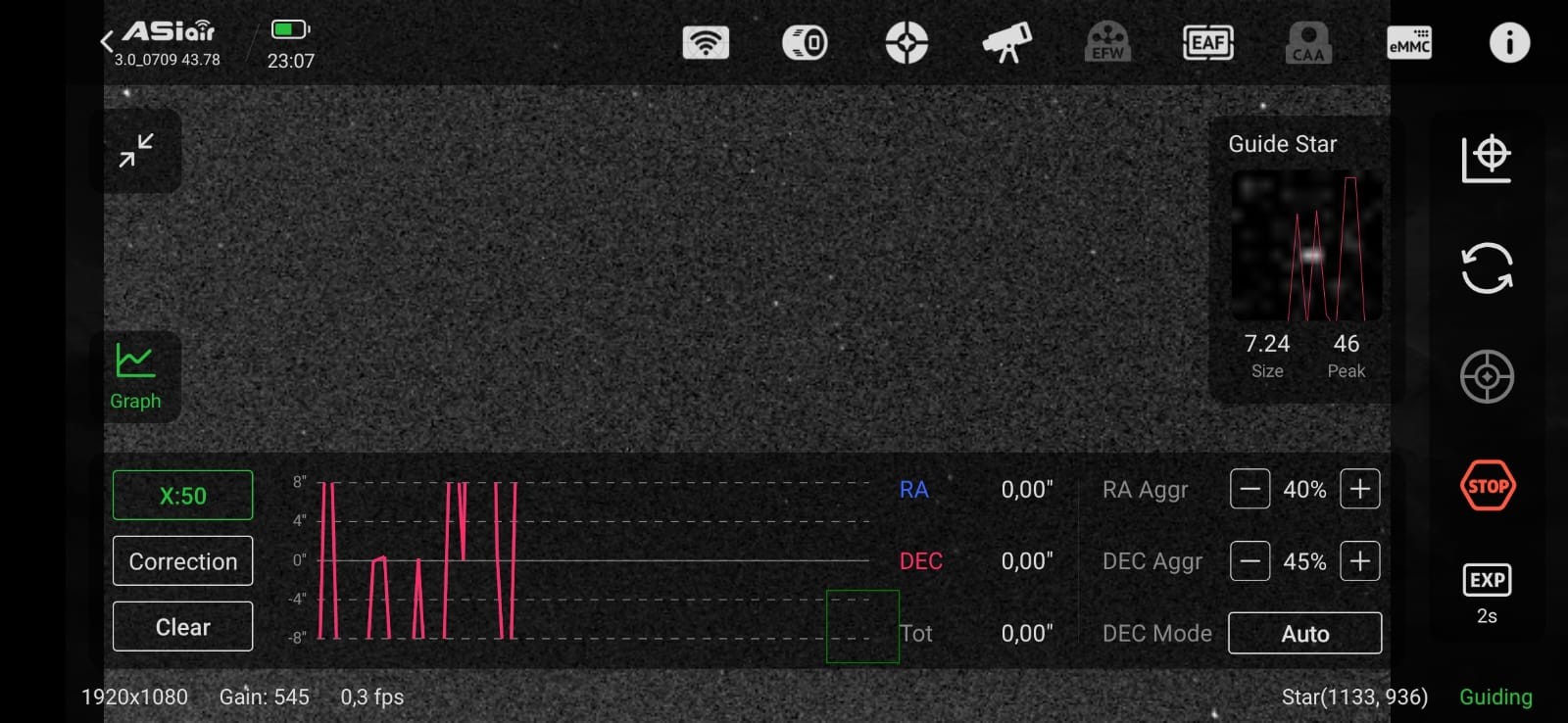
- Android: Fixed the issue where the guide star curve failed to display.
- Android: Fixed the unresponsive screen bug on the Guiding page.
- iOS & Android: Fixed the issue preventing external hard drives from being detected.