@support@Seestar
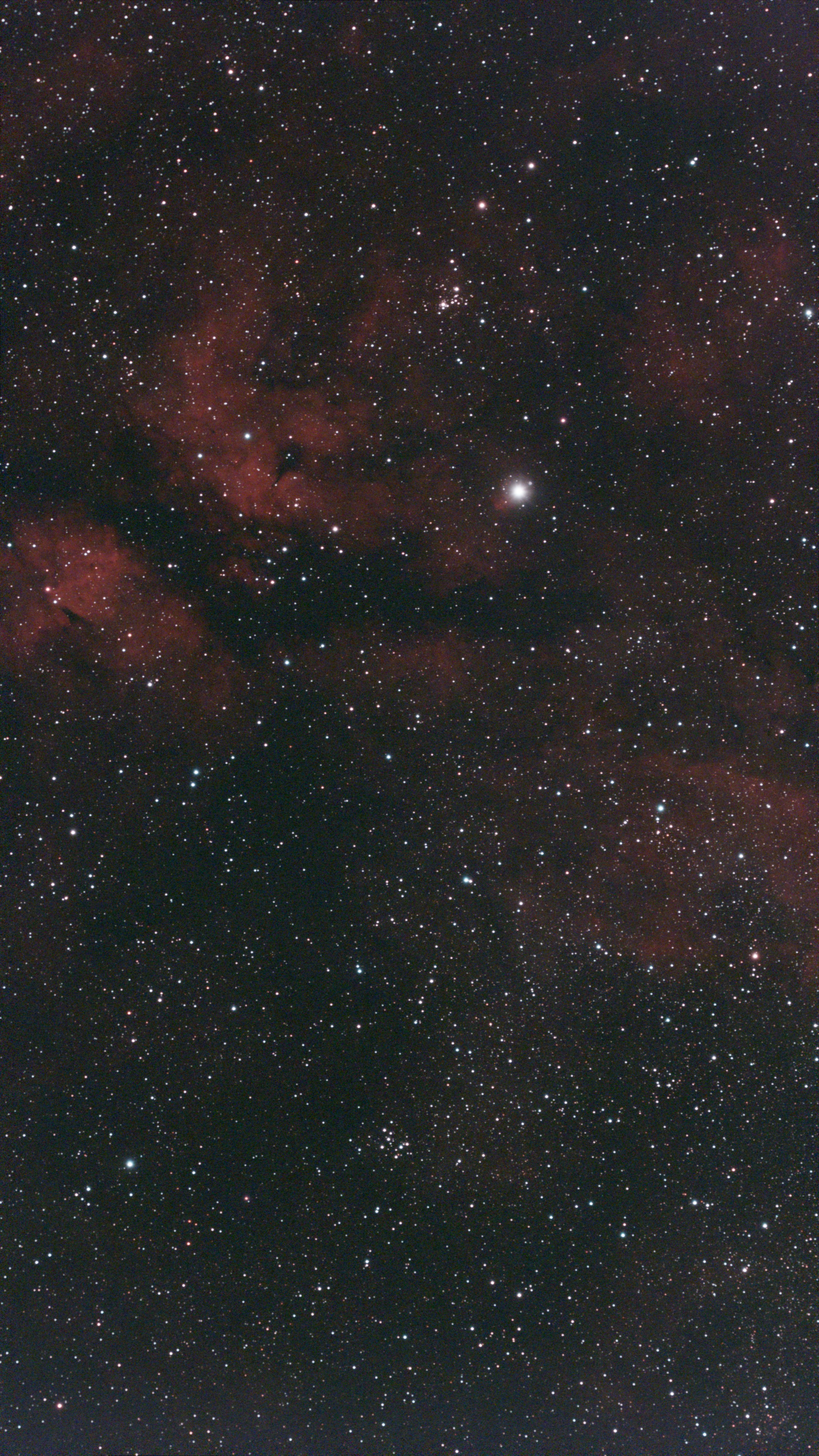
Just wanted to bring up an issue I'm seeing with my S30 Pro (and I've noticed it in lots of other users' shots, plus some S50 Pro images too). There's this annoying horizontal band right along the bottom edge of the image.
I am now convinced it's thermal in origin. If I create hot pixel correction frames at the correct temperature, I see almost no banding. If I create them while temperature is cooler and then take images when it is warmer, that bottom band looks way too bright and washed out. When the temp drops below the 'calibration frame (hot pixel images)' temp, that same edge ends up looking way too dark.
Even with dark correction turned on and running in plan mode, it doesn't really fix it because the dark frames seem to be only get shot once at the very start of the Plan ?. Where I'm imaging, the temperature drops by over 15°C (sometimes 20C) through the night, so a single upfront calibration just can't keep up. It is strange because in the info it suggests the dark frames are taken when temperature changes too, but that does not seem to be the case because I clearly see an evolution during the night.
It would be awesome if we could trigger a fresh dark frame or hot pixel cleanup right before an observing slot kicks off, kind of like how the autofocus routine works. That would make a massive difference for locations with big overnight temperature swings!
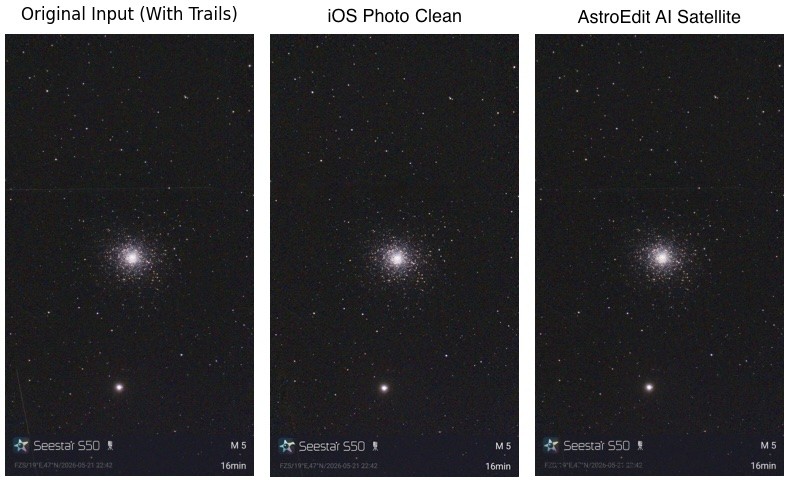
I put two examples, one with darker banding (lights temperature < darks temperature), one with lighter banding (lights temperature > darks temperature). These are stacks out of the S30 Pro, so the effect is not dramatic, but once you start stretching the image it becomes really bad.